
Blog
From 16:9 interviews to 9:16 Reels without rebuilding a timeline
Crop presets, subtitle burn-in, and when to refuse automation—notes from teams who ship vertical the same day.
· reformat, TikTok, Shorts, aspect ratio
Article hero (SVG, 1200×630)
Thursday’s podcast master is 3840×2160. Marketing wants three vertical cuts by Friday lunch—not a full regrade, just crops that do not cut off the guest’s chin.
Here is what trips most people up
They bake subtitles before the client signs copy. Here is what trips most people up: burn-in order. If text changes after you rasterize, you re-encode twice and wonder why fans spin.
Steps
- Trim the horizontal master first when GOP boundaries allow stream-copy—less time baking heat into laptops.
- Run the vertical preset that matches the destination safe zone (Shorts vs TikTok vs Reels—labels matter).
- Export a phone preview with burned-in subs only after strings lock.
Subtitle export options are listed on features. Seat and credit math is on pricing.
What if it does not work?
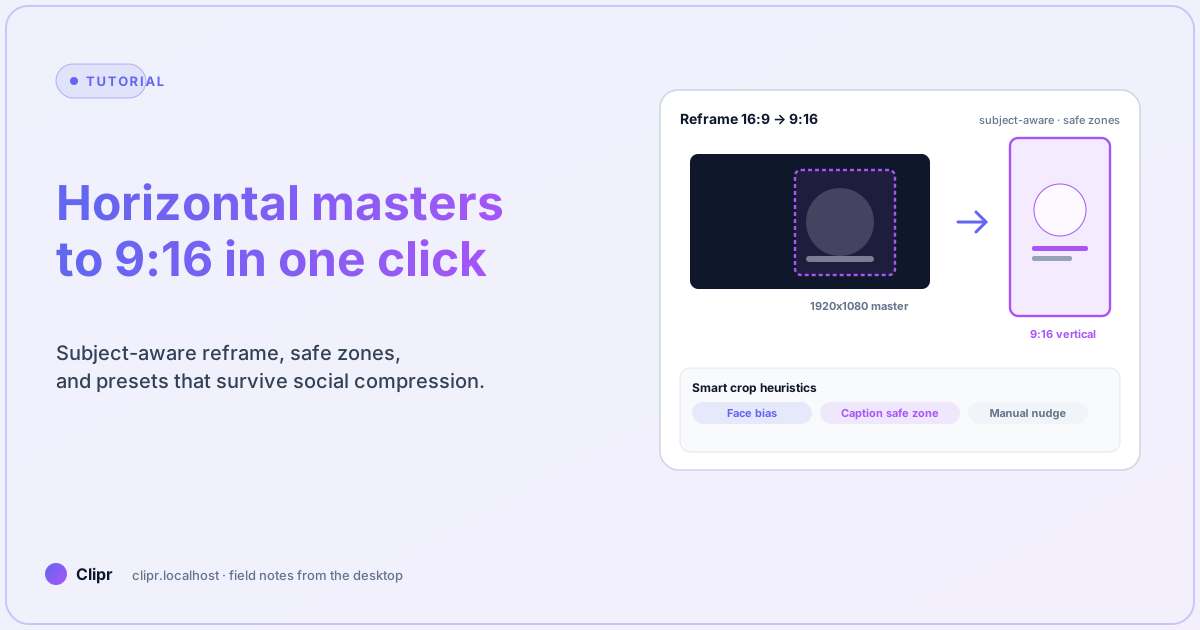
- Faces get cropped: switch from pure center bias to the preset that weights detected faces—then nudge manually for panel shows.
- Text collides with in-app stickers: adjust safe margins; do not chase bitrate if the platform will recompress anyway.
- Sensitive footage: turn automation off; compliance reviewers may need full manual framing.
Audio note
Vertical viewers often wear earbuds. If you fold stereo music blindly, dialogue can pump when platforms add their own limiters—split stems when the horizontal master allows.
Closing
One-click helps when presets encode real campaign lessons. Keep masters archival, verticals disposable, and documentation short enough that the next person does not DM you for ffmpeg flags at midnight. For capture prerequisites, see YouTube subtitles the practical way.