
Blog
Download YouTube videos with subtitles (field notes)
How to pull a YouTube master with sidecar captions, keep codecs readable, and not lose your afternoon to mystery bitrates.
· YouTube, subtitles, download, workflow
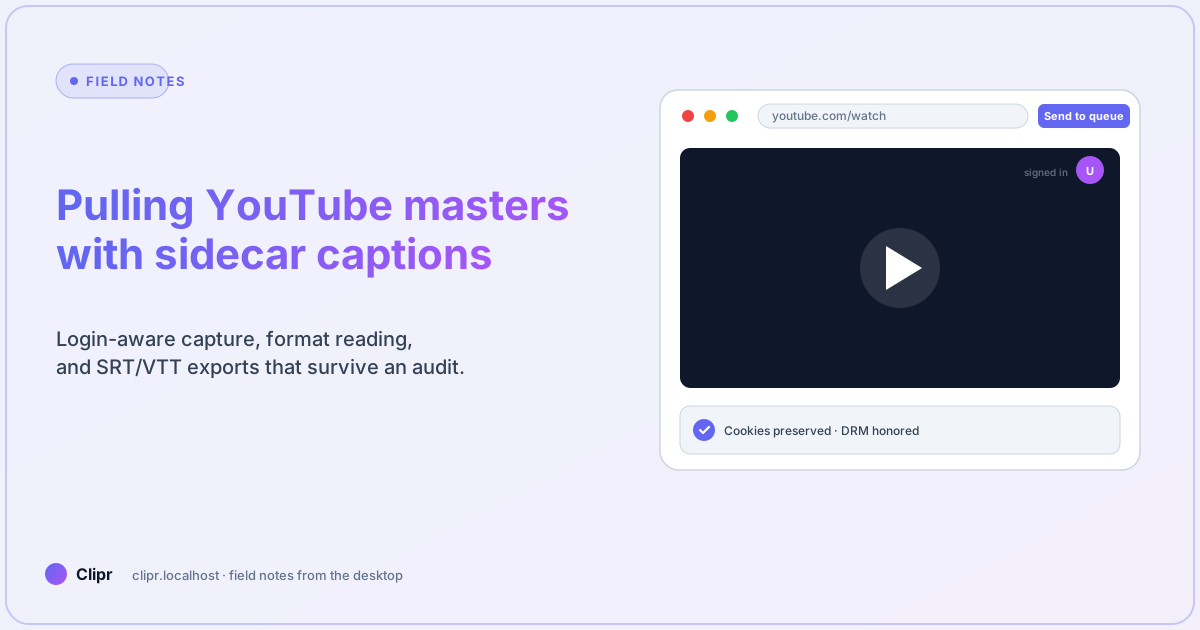
Article hero (SVG, 1200×630)
Last Tuesday a producer pasted six YouTube links into Slack at 4:55 p.m. and asked for “the same files we used last month.” If you have been that person—or the one answering—you already know the problem is not “find a downloader.” It is keeping sessions, codecs, and caption files aligned so legal can find them in June.
The bit that trips most people up
They queue the smallest file because the UI sorts by size. Twelve megabytes might be audio-only. Here is what trips most people up: they never expand the audio row before they hit download, then they wonder why Premiere shows a silent master.
Walkthrough
-
Open the built-in browser tab, sign in if the uploader gates higher bitrates behind a login you actually have.
-
When the format sheet opens, read the codec row out loud once. If it says “audio only,” back up.
-
Export captions as SRT or VTT first if you need an edit pass; burn-in only after text lock.
-
Name exports with the watch URL slug plus date so
/pricingconversations later do not devolve into archaeology.
What if it does not work?
- 403 or empty manifest: session probably drifted. Re-open the tab logged-in, then re-queue—do not hammer retries with the same stale cookie jar.
- Wrong language track: expand audio rows; YouTube often hides alternate languages until you ask.
- 720p cap on Free: expected; upgrade when you are tired of explaining compression artifacts to clients, not before.
Compare tiers on the pricing page. Capability lists for burn-in, libraries, and team seats live on features.
Sidecar first, burn-in second
Archival work wants editable text. Social uploads sometimes want pixels baked in. Do both from one folder so filenames still match when finance asks six months later.
Closing
You own rights to what you pull. You picked streams with labels instead of guessing from byte size. You kept captions in a form humans can edit. That is the whole job.