
Blog
Archiving TikTok clips for translation (without pretending “no watermark” is a license)
A desktop workflow for teams who need clean local files—not a promise that stripping watermarks makes reuse legal.
· download, TikTok, workflow
Article hero (SVG, 1200×630)
At 11 p.m. your translator asks for the original audio, not a phone screen recording with notification banners. That is the moment “just grab it somehow” stops being cute.
Here is what trips most people up
They download a visually clean file and assume music rights traveled with it. Platform audio licenses often stop at the app border. If you are shipping to another network, stop and read the music line in your contract.
Steps we actually run
- Copy the canonical URL from the address bar—not a share redirect that will rot next week.
- Paste into the app, keep the same login you need for age or region gates.
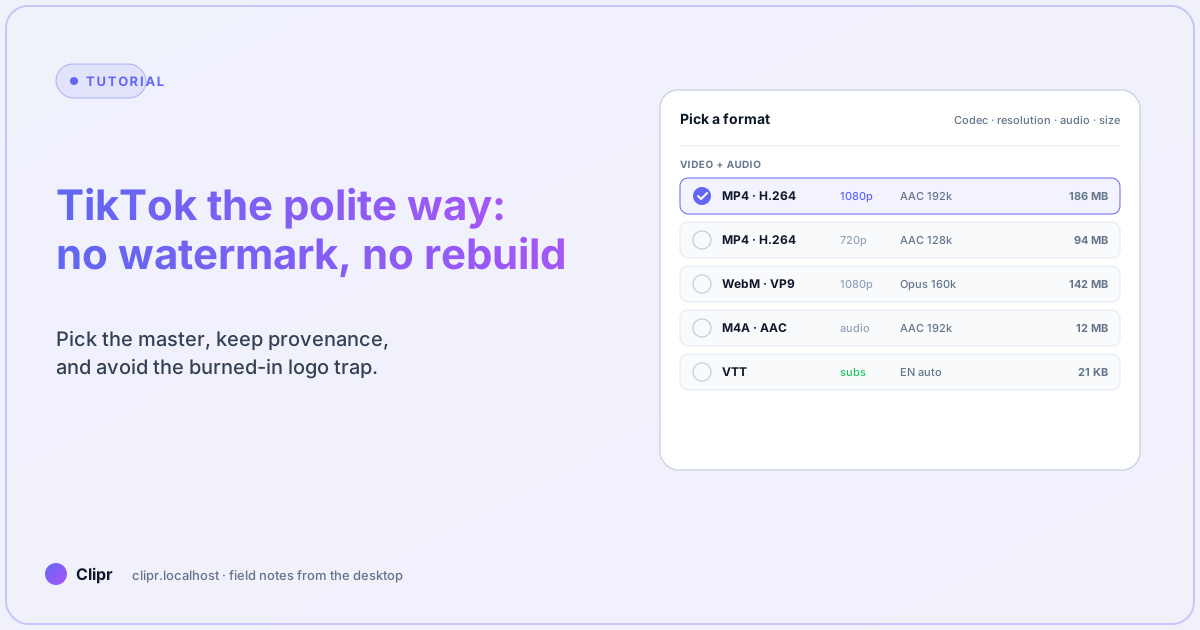
- Pick a stream row that lists video + audio codecs explicitly; if you only see one tiny row, you are about to grab audio-only.
- Log title, creator, and URL in a sidecar text file beside the file. Future-you will care.
See multi-tab details on features. AI pools for downstream STT are in pricing.
What if it does not work?
- Bitrate looks wrong: toggle the User-Agent preset—some CDNs serve different ladders to mobile vs desktop clients.
- Intermittent 403: pause the queue, fix VPN, resume once. Spawning twelve duplicate jobs does not charm anyone’s edge servers.
- Legal says stop: pause the whole group in the queue; do not delete history if you need audit evidence later.
Vertical exports
Many TikTok sources are already 9:16. If you still need a different safe zone for Reels, run the aspect preset after the clean master exists—see the companion piece on reformatting to 9:16.
Closing
Downloading is a filing problem and a rights problem. Nail both, then talk about watermarks.