
Blog
Frame-accurate subtitle timing for 23.976, 25, and mixed-cadence masters
Reading-speed warnings, overlap detection, NTSC drop-frame math, and how to handle a master that switches frame rates halfway through. A guide for translators who get audited.
· subtitles, timing, translators, fps
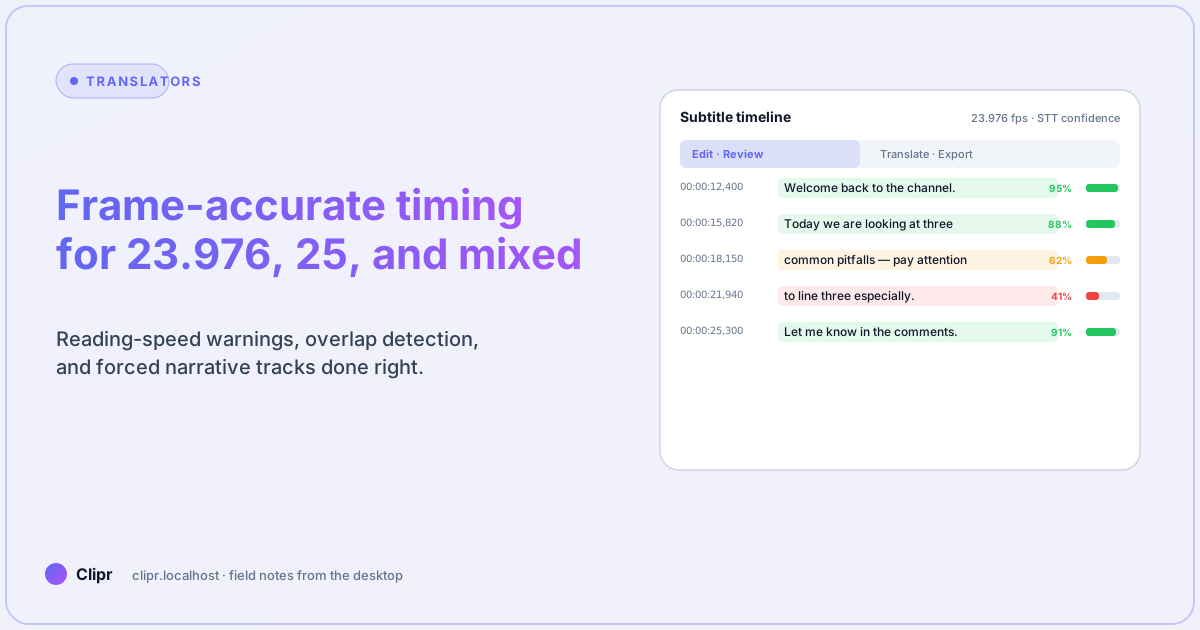
Article hero (SVG, 1200×630)
Most subtitle bugs are not translation bugs. They are timing bugs that nobody noticed until QA played the master on a broadcast frame rate that the editor never tested. By the time the client phones, you have a cadence problem in three places: source, sidecar, and player.
This is a workbook for not making that phone call.
Here is what trips most people up
The source file says 25 fps in the container, the editor cut at 24 in Resolve, and the SRT was timed against 23.976 because that is what the previewer assumed. Most timing failures are mismatches between the file’s metadata and the timeline the captions were authored against. Always verify the cadence with ffprobe or your editor’s properties dialog before you trust an SRT — never trust the filename.
Why frame rate matters for text
A line break that lands on a hard cut feels different from one that lands two frames before. A subtitle that starts 50 ms before the speaker reads as “responsive.” 50 ms after reads as “lagged.” 200 ms after reads as “broken.” The window is small, and it is even smaller in 23.976: a single dropped frame at NTSC drift over 60 minutes is half a second of accumulated error. That is a wrong-feeling subtitle every couple of paragraphs.
The Clipr subtitle editor exposes the frame boundary on the timeline cursor for exactly this reason. You should never have to guess whether your in-point lands on a frame.
The fps cheat sheet
| Master cadence | Time per frame | Common in | Watch out for |
|---|---|---|---|
| 23.976 | 41.708 ms | Streaming films, premium series | NTSC drop-frame; cumulative drift over long-form |
| 24 | 41.667 ms | Theatrical masters | Don’t conflate with 23.976; ~0.1% offset breaks long forms |
| 25 | 40 ms | EU broadcast, PAL | If your source was 25 and you are timing on a 23.976 deck, every line is 4% off |
| 29.97 | 33.367 ms | US broadcast, NTSC | Drop-frame timecode notation 00:00:00;00 |
| 30 | 33.333 ms | Many internal recordings | Easy to mistake for 29.97; check the tbr from ffprobe |
| 50 / 59.94 / 60 | 16.67–20 ms | Sports, gaming, action | High frame-rate previews need a high-frame-rate player to feel right |
Memorize three of these (23.976, 25, 29.97). The rest you can look up. The thing that ruins your day is not the math — it is the assumption that the master is one rate when it is actually another.
Reading speed warnings
Industry rough cuts:
- Adults, dialogue: 17 characters per second (CPS) is comfortable, 21 CPS is the upper edge.
- Adults, narrator/explainer: 14 CPS reads cleanly, 18 CPS feels rushed.
- Subway phone scenario (small screen, glance-only): cap at 14 CPS, period.
After translation to a wordier locale (English → German, English → Spanish), CPS frequently jumps 25%. Run a CPS pass before merging the WebVTT and split offending lines into two indexes — even if it costs you an extra subtitle slot. Reading speed warnings are the #1 reason subtitles “feel” bad on a phone.
Overlap detection
Two adjacent subtitle blocks should never overlap by more than 1 frame; many players will silently drop the second block if they do, and you will not notice in your editor because your editor is more forgiving than the player. Run overlap detection automatically before any export, and resolve overlaps by splitting the longer block, never by trimming the shorter one — the shorter one is usually the higher-stakes line (a name, a number).
Mixed-cadence masters
The dirty secret of streaming originals: many “23.976 fps” masters contain interview B-roll cut from 25 fps source footage, conformed back to 23.976 by the editor. The container reports 23.976 because that is what plays back, but the captions may have been authored against the original 25 fps interview. This shows up as captions that are perfectly timed for 90% of the show and four frames off during interview cutaways.
The fix is not heroic: separate the captions for the interview cutaways into their own pass, time them against a freshly conformed 23.976 export, and merge. The Clipr editor’s per-region cadence override handles this without forcing you to maintain two SRT files. The principle: trust the timeline you are looking at, not the container metadata.
Forced narrative tracks
Forced narratives (signs, foreign-language dialogue inside a primarily English film) need to be a separate track, not interleaved into the SDH track. Three reasons:
- Players treat them differently — many auto-enable forced even when subtitles are off.
- Localization vendors price them differently.
- Cadence rules are different (forced lines often hold longer).
If your export pipeline is collapsing forced and full SDH into one file, you have lost a feature. Keep the tracks split until the platform demands a merge.
What if it does not work?
ffprobesays 23.976 but the audio is clearly off in your editor: the container metadata can lie about cadence on re-wrapped files. Decode 30 seconds of video to a fresh container and re-probe.- Subtitles “drift” over a 60-minute episode: NTSC drop-frame math. Either re-time against the master cadence, or ask the post house for a non-drop-frame export.
- Player drops every other line on web: overlap by ≤1 frame somewhere; some players are pickier than others. Auto-resolve overlaps with a hard 50 ms gap.
- Client says “the captions feel slow”: check CPS. If a translator beat the source line into a wordier locale, CPS rises and the line feels lagged even if the in-point is dead correct.
- Forced narratives appear when subtitles are off: track confusion at the muxer step, not in your editor. Re-export with forced as a separate track and make sure the language tag is
undor matches the spoken locale.
Closing
Frame-accurate subtitle timing is mostly not about being fast. It is about being honest with the timeline you are reading from and the player you are timing for. Confirm the cadence first, run CPS before MT, run overlap before merge, and keep forced separate. Do that and the audit-day phone call goes to someone else’s project.
For the editor’s frame-snap UI, features has the per-audience description. For the AI-assisted draft step before manual cleanup, the translators’ workflow post walks through human-in-the-loop. To try the timeline editor on a real master, download the beta.