
Blog
Horizontal interviews to vertical Reels: a weekly workflow
How one team turns 16:9 Zoom recordings into 9:16 clips without handing editors a science project.
· Reels, vertical, workflow, interview
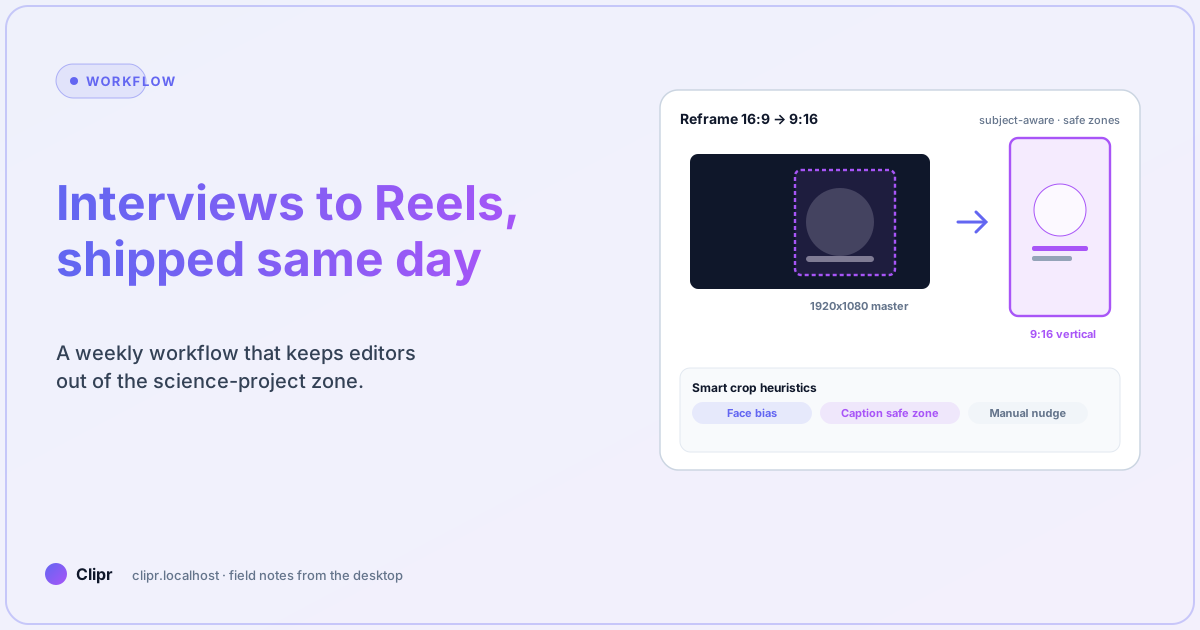
Article hero (SVG, 1200×630)
Your CEO records a 45-minute panel in 1920×1080. Marketing wants five vertical clips with burned-in captions for Instagram by tomorrow. Nobody gets a budget for a motion designer. Sound familiar?
Here is what trips most people up
They crop before subtitles lock. Here is what trips most people up: you bake pixels, then marketing edits one word, and you re-encode the whole stack.
Workflow
- Stabilize the horizontal master—trim silence on GOP-friendly cuts when you can.
- Export dialogue to captions; fix names and numbers while the timeline is still soft.
- Apply the Reels preset with face-biased crop, preview on a phone with True Tone off.
- Burn in only after copy approval; keep sidecars for accessibility variants.
Preset differences and burn-in notes: features. Tier limits: pricing.
What if it does not work?
- Chins get cropped: nudge vertical offset; center crop is fast until it is not.
- Text rides under the Reels UI: widen safe margins—bitrate will not save you from covered captions.
- Audio pumps after upload: check stereo fold-down before the vertical pass; stacked platform limiters punish sloppy mixes.
Closing
Same-day vertical is a production problem, not a filter problem. Automate the boring crops; keep humans on words and consent.