
Blog
Capturing X, Instagram, and Facebook the polite way
A login-aware multi-tab workspace, honest cookie boundaries, and User-Agent presets that get you the resolution you actually paid for.
· capture, social, login, workflow
Article hero (SVG, 1200×630)
The free downloader pages are a graveyard of broken Instagram support. The reason is not technology; it is incentives. Sites that demand login change their auth flow every few weeks, and a free extension cannot afford to maintain three auth flows for three sites that hate scrapers.
A desktop app can. The trick is to act like a logged-in human, because in fact you are the logged-in human; the app is just helping you save the file you were already going to watch.
Here is what trips most people up
People paste a URL into a downloader without first checking whether they are signed in to that account in the same session. Most “site changed their API” complaints are actually “I forgot to log in” complaints. Especially on Instagram and X, the public unauthenticated render is intentionally degraded — different resolutions, different aspect ratios, often a different file entirely. If your queue keeps grabbing 480p when you wanted 1080p, sign in first.
The multi-tab pattern
Every working capture session has the same shape:
- Tab 1: signed-in account on the source platform (X, IG, FB, YouTube, Bilibili — whatever you legitimately use).
- Tab 2: the specific page you want to capture (a profile, a post, a thread, a Reel).
- Tab 3: the queue / library view, where the captured file lands.
Tab 1 keeps the cookie jar warm. Tab 2 is the source of the URL. Tab 3 is verification. Three tabs, three jobs. Adding a fourth (“research”, “sponsor brief”) is fine; the principle is that the auth-bearing tab is not the same tab you are clicking around in. Mixing them is how editors leak drafts and how downloads silently fall back to public renderings.
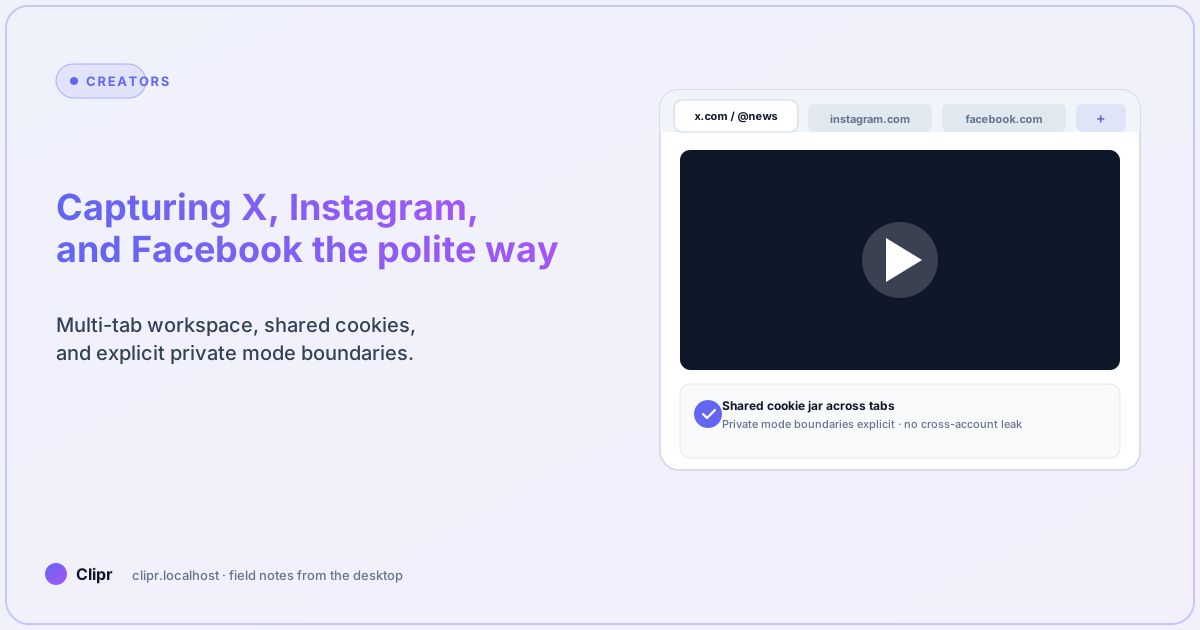
The Clipr workspace shares cookies across tabs by default within a window, and isolates them across windows. This is the boundary you want: a window per project, tabs within a window for capture targets — see features for the per-audience description.
Per-platform notes that age slowly
These change less than you think:
X (Twitter)
- Sign in to the account that follows the source. Quote-tweets sometimes require following.
- Mobile-class user agents often serve a smaller resolution. Switch to desktop UA before queuing.
- Spaces and live video are separate beasts; they are recordings, not files. Capture only after the host has finalized the recording.
- Reels, Stories, IGTV, and feed posts all have different fetch flows. Do not assume one URL pattern works for all four.
- Story captures must happen within 24 hours unless the account is yours. Past-24h “highlight” URLs are a different shape.
- Carousel posts are multiple files. Make sure your queue exploded the carousel into rows; otherwise you are downloading slide 1 only.
- The “Watch” tab is the easy case. Group posts and live recordings need a desktop session and group membership.
- Facebook delivers different bitrates depending on geographic region. A VPN in a low-bitrate region will make every capture look soft.
- Page posts respect the page’s “save for later” / restricted audience settings; if the file is region-locked, the polite answer is “skip it,” not “find a proxy.”
User-Agent and the resolution trap
Many platforms serve a higher bitrate to the desktop UA than to mobile UA. This is not a bug; it is how they manage CDN load. The Clipr UA presets cover the common cases:
- Desktop · macOS / Chrome — default for everything except TikTok.
- Desktop · Windows / Edge — best for Windows-locked corporate sites.
- Mobile · iPhone Safari — useful for TikTok where mobile sometimes has more aspect-ratio options.
- Custom — paste your own when a site rolls out something new.
If a capture comes back at the wrong resolution, switch the UA before assuming the source is “low quality.” Half the time, a UA flip fixes it.
Cookie hygiene
Three rules that keep auth from rotting:
- One window per identity. Personal IG and work IG do not share a window.
- Sign out at the end of a project. Cookie jars that live forever expire badly; a controlled sign-out + sign-in cycle is more reliable than waiting for the platform to invalidate you.
- Never paste a session token into the URL bar. Some “convenience” tools do this. They will end your session at the wrong moment.
The private-mode boundaries in Clipr are explicit on purpose. If you turn on private mode for a tab, it does not inherit cookies from the rest of the window. That is a feature; do not work around it.
What if it does not work?
- A signed-in capture comes back at 480p: switch UA to desktop, re-queue. If still 480p, the source genuinely only has 480p.
- The capture is the unauthenticated render: a third-party iframe or a recently logged-out tab is feeding the URL. Re-grab the URL from the actual source tab.
- Carousel returned slide 1 only: the queue did not explode the carousel. Open the post in the embedded browser and use “send all to queue” rather than copy-pasting the URL.
- A site rolled out new auth and nothing works: this happens. The Clipr engine is yt-dlp under the hood; pin the latest version (see features) and re-queue. Most “site changed” issues are fixed within a week of upstream.
- Two-factor auth keeps timing out: enable a longer 2FA grace window in the source platform’s settings; do not work around 2FA, ever.
A note on consent and rights
You own the rights to what you capture, or you have permission, or you are operating within a documented exemption (research, archival, fair use). The desktop app does not enforce this for you — it is built for legitimate professional workflows, but the responsibility for “should I be saving this file” lives with you.
If you are doing competitive research, capture the public render only, and document what was public on the date you captured. If you are mirroring a creator you work with, get the consent in writing. The point of the multi-tab workflow above is that you are explicitly using your own auth — that is the difference between archival and scraping.
Closing
The polite way to capture social video in 2026 is to act like the human you already are: sign in, click around, and then save the thing. The desktop app’s job is to remember the cookies, expose the resolution honestly, and not invent capabilities the source platform did not give you.
To try the multi-tab workspace, download the beta. For tier limits and team features, see pricing.