
Blog
Batch downloads you can leave alone for the night
Worker pools, exponential backoff, pause/resume, and per-job logs. How to queue 200 links and have them actually finish without you watching the bar.
· batch, downloads, queue, workflow
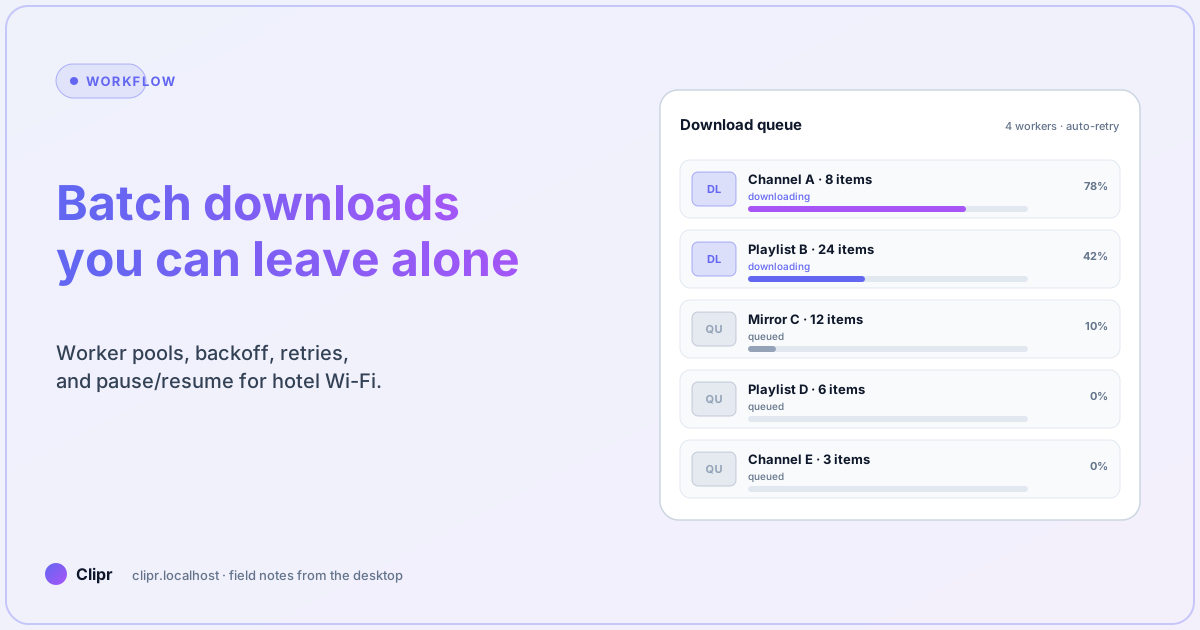
Article hero (SVG, 1200×630)
Friday at 18:00. A producer drops 187 YouTube links in the channel and asks if “all of them” can be ready Monday morning. You either spend Saturday refreshing a download window, or you set up a queue that does the work while you do not.
This is a guide to the second path. The first path is bad for your weekend and worse for your queue health.
Here is what trips most people up
People crank concurrency to “max” and then watch packets stall. Most batch failures are not download failures, they are politeness failures: too many parallel pulls from the same edge IP triggers per-domain throttling, which the queue then retries naively, which gets you soft-banned, which makes the next batch slower. The fix is small worker pools per domain, not big worker pools globally.
A worker model that does not anger CDNs
The default Clipr queue uses a per-domain budget plus a global cap:
- Per-domain: 2 simultaneous workers max for short-form CDNs (TikTok, Reels), 3 for YouTube/Vimeo, 1 for sites that obviously rate-limit.
- Global: 4 simultaneous total on a laptop, 8 on a desktop with NVMe + 1 Gb LAN.
- Backoff: exponential with jitter on retryable errors (429, 503, transient 403). No retry on 401 or 404 — those are stable signals.
Crank it higher only after you measure. Crank it without measuring and you will be the reason support hears from a CDN’s abuse team.
A 200-link batch, end to end
The shape that holds up:
- Stage: paste links into the URL list panel, let dedup run. Most “200 links” lists have 12 duplicates and 4 already-archived items. The queue should tell you that before you commit.
- Inspect: sort by source, eyeball one entry per source. If TikTok shows “watermarked-only” for an account, decide now whether you accept the watermark or skip those rows.
- Schedule: if the batch starts after-hours, lower per-domain budgets by one. CDNs are bored at 02:00, but they also rotate edges; lower concurrency keeps your IP off the heuristics.
- Run: hit start, watch the first 10 jobs land successfully, then close the laptop lid (if your OS allows; macOS in clamshell on power works).
- Triage in the morning: the queue should show three buckets: completed, failed (terminal), and paused (retryable). Re-run paused with a fresh login state if the source needs auth.
If the morning triage takes more than ten minutes, your queue config is wrong, not your machine.
Pause / resume / retry — the three buttons that matter
A batch that survives a hotel Wi-Fi drop is a batch that knows how to pause without losing partials.
- Pause (per job or global): freeze the worker, keep the partial file. Useful when you need to reclaim bandwidth for a Zoom call.
- Resume: pick up from the last byte if the source server supports range requests; otherwise restart the file but skip the manifest re-fetch.
- Retry with new session: the most underused button. If a YouTube job 403s mid-batch, a stale cookie is the most common cause. Re-open the embedded browser, sign in fresh, then retry — do not loop with the dead jar.
The Clipr queue ships these three as separate actions on purpose. A “smart retry” button that conflates them is a button that lies about what happened.
Logs you can paste into a ticket
When a batch goes sideways, the answer is rarely on the screen. It is in the per-job log. The minimum useful log line:
[2026-04-21T01:14:33Z] job=abc123 source=youtube url=...watch?v=xyz status=fail reason=403 attempt=2 backoff=8s session=signed-in cookie_age=3h12mThree things make this useful: the timestamp is UTC, the cookie age is real (so you know whether to refresh), and the backoff state is captured (so you do not retry into the same wall). Copy the last 50 lines into a vendor ticket and the support engineer can usually narrow the cause in one round-trip — see the throughput / observability sections under features for the full schema.
What if it does not work?
- The whole batch stalls on one slow worker: check disk I/O first. Many “network” stalls on a batch are actually NVMe queue depth on a USB-attached drive. Move the working dir to internal storage.
- Per-domain rate-limit messages spike at hour boundaries: CDNs frequently rotate token buckets at the top of the hour. Smear the start of large batches by 30–40 seconds to avoid the cliff.
- VPN drops mid-pull: enable the “kill workers on connectivity loss” setting before long batches. Resuming is faster than recovering from corrupted partials.
- Retries succeed but the file is silent: you fell back to the audio-only stream. Log the chosen format ID per attempt; a silent retry is worse than a noisy fail.
- Disk full at 01:30: predictable from the inspect step. Sort by estimated size, prune obvious duplicates, and use the “abort job if file > 4 GB” guardrail when shipping over Wi-Fi.
Two patterns that are not worth the complexity
- Cron-scheduled “start at midnight”: solves a problem you do not have. The CDN does not care what time it is, your laptop does not need to wait. Run the batch when you have the inputs.
- Distributed downloads across two machines for the same playlist: you save twenty minutes and gain a deduplication problem. Use the second machine for another batch instead.
Closing
A batch download workflow is one of those things that gets less dramatic as it gets better. The first version of yours will be a single scary “start” button you stare at. The mature version is a small queue config you set once, three buttons you press in the morning, and a per-job log you can paste into Slack when something is weird.
If you want to see the queue UI before committing, download the beta and run a 30-link batch on a folder of public domain clips. If you need the tier limits for unlimited daily downloads, see pricing.